

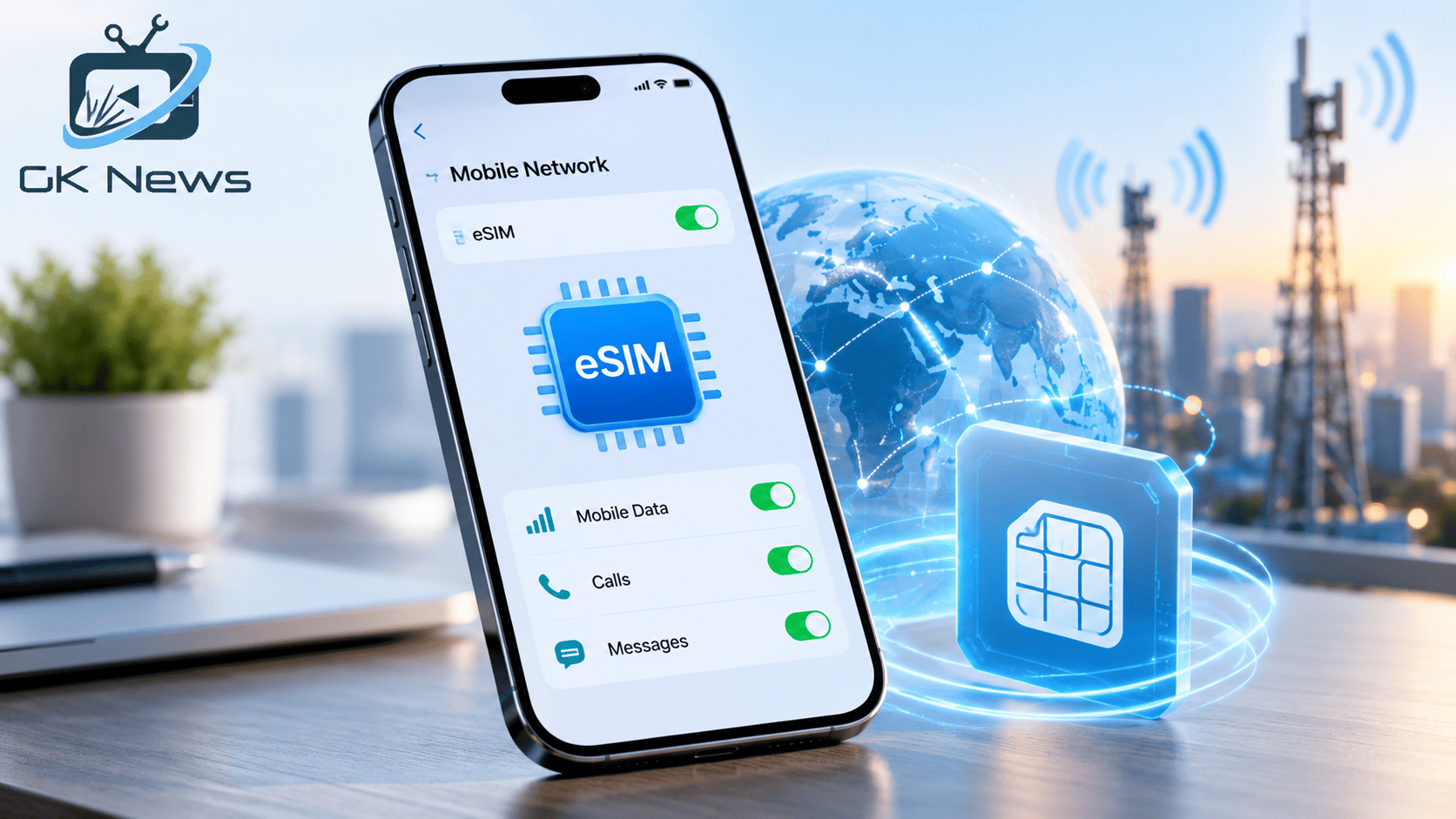
An eSIM lets you connect your smartphone to a mobile network without inserting a physical SIM card. It stores a digital SIM profile inside your device and allows a supported mobile operator to activate your phone plan electronically.
You can use an eSIM to make calls, send text messages, and access mobile data, just as you would with a traditional SIM. Depending on your phone and carrier, you may also use an eSIM alongside a physical SIM or keep multiple eSIM profiles on one device.
For beginners, the key point is simple: an eSIM changes how your phone stores and activates your mobile subscription, not how mobile networks deliver their signal.
Whether you want to understand new smartphone features, manage two phone numbers, or stay connected while travelling, this guide explains how eSIM technology works, how to activate it, and what to check before switching.
1. What Is an eSIM?
An eSIM, short for embedded SIM, is a programmable SIM built into a compatible device. Unlike a traditional SIM card, it does not require a removable plastic card. Your mobile operator provides a digital profile that your device installs to connect with its network.
The GSMA eSIM overview explains how this technology supports digital SIM provisioning across compatible consumer devices.
A traditional SIM contains information that helps a mobile network identify and authenticate your subscription. An eSIM performs the same basic role through a built in component.
For example, imagine buying a new smartphone. Instead of visiting a shop to insert a SIM card, you may be able to request an eSIM from your operator, scan its QR code, and follow the setup instructions.
The operator must support eSIM activation, and your device must be compatible.
2. How Does an eSIM Work?
An eSIM works by storing a mobile operator’s digital subscription profile in your device. Your phone uses that profile to authenticate with the operator’s network. The network then provides the services included in your plan.
Here is the process in simple terms.
- Request an eSIM. Contact your mobile operator or use its supported app or website to request an eSIM plan.
- Install the digital profile. Follow the operator’s instructions. You may scan a QR code, use an activation link, or complete setup through your phone’s settings.
- Connect to the network. After activation, your phone uses the eSIM profile to connect to the supported mobile network.
The GSMA explains how eSIM technology lets operators securely deliver and manage subscription credentials remotely. This removes the need to replace a physical card each time a supported digital SIM profile is installed. Read the GSMA guide to how eSIM works for more detail.
However, an eSIM does not automatically provide free internet or better coverage. Your plan, network availability, signal strength, and device capabilities still determine your experience.
3. What Is the Difference Between an eSIM and a Physical SIM?
Both SIM types help your phone connect to a mobile operator. The main difference is how the SIM profile is stored and activated.
| Feature | Physical SIM | eSIM |
|---|---|---|
| Format | Removable plastic card | Built in digital SIM component |
| Installation | Insert the card into the SIM tray | Install a digital profile |
| Activation | Insert a supported card and follow any required setup | Follow the operator’s digital activation process |
| Changing phones | Move the card if both phones support it | Transfer or reactivate the profile using a supported method |
| Multiple profiles | Usually requires separate physical cards | Can store multiple profiles on supported devices |
| Travel | Insert a local SIM if your phone supports it | Install a compatible travel eSIM or local operator profile |
| Availability | Depends on the phone and operator | Requires compatible hardware and operator support |
An eSIM can make activation and switching more convenient. A physical SIM can still be simpler when you want to move your number quickly between compatible phones.
Neither option guarantees better mobile reception. Both depend on the network and device.
4. What Are the Main Benefits of an eSIM?
An eSIM offers several practical benefits for people who want flexible mobile connectivity.
- Easier activation: You may activate a plan without visiting a store or waiting for a physical card.
- Useful for travel: Some operators offer travel plans that let you install a separate eSIM before a trip. You can then use a supported local or travel data plan.
- Support for multiple numbers: Compatible phones can store multiple profiles. Some can use two lines at the same time, depending on their hardware and operator support.
- No removable SIM card: You do not need to handle a small plastic card when installing the digital profile.
- Flexible device design: Built in SIM technology gives device makers more options when designing connected products, including smartwatches and tablets.
Consider a student who uses one number for personal calls and another for work. A compatible dual SIM phone may let the student manage both lines from one device.
Before choosing an eSIM, check whether your phone and operator support the features you need. Some plans offer fewer options than others.
5. What Are the Limitations of an eSIM?
An eSIM offers convenience, but it does not suit every phone or situation. Check these limitations before you switch.
- Phone compatibility: Older phones and some regional models do not support eSIM technology.
- Operator support: Your mobile provider must offer eSIM service for your device and plan.
- Phone transfers: You may need to request a new profile or contact your operator when changing phones.
- Internet access during setup: Some activation methods require Wi Fi or another internet connection.
- Travel plan restrictions: Some travel eSIMs support mobile data only. They may not provide a regular phone number for calls and text messages.
- Device replacement: If your phone breaks or gets lost, you may need to verify your identity before activating your number on another device.
You should also check the terms of your plan. Some operators limit how often you can transfer an eSIM or require additional steps to replace a profile.
Practical tip: Before converting your physical SIM, confirm the recovery process with your operator. Keep access to your account and the contact details you need for support.
6. Which Smartphones Support eSIM?
Many recent smartphones support eSIM, but compatibility depends on the exact model, market, and operator. Two phones with similar names may have different SIM features in different countries.
For example, Apple lists the iPhone XS, iPhone XS Max, and iPhone XR or later among the compatible iPhone models for eSIM setup, subject to regional and carrier restrictions. Check Apple’s official iPhone eSIM setup guide.
Google also provides eSIM setup instructions for supported Pixel phones. The available SIM combinations depend on the model and operator. See Google Pixel’s official eSIM setup instructions.
Before buying a phone or requesting an eSIM, check these details:
- Find your phone’s full model number.
- Open the manufacturer’s official support page.
- Confirm that your specific model supports eSIM in your country.
- Ask your operator whether it supports your device and plan.
- Check whether your phone is carrier locked or subject to other restrictions.
Do not rely only on a retailer’s general statement that a phone supports eSIM. Confirm the feature for your exact model.
7. How Can You Activate an eSIM?
The exact process varies by mobile operator and smartphone. Most supported activation methods use a QR code, a carrier app, an activation link, or a built in transfer feature.
General steps to activate an eSIM
- Check compatibility. Confirm that your phone and mobile operator support eSIM.
- Request activation. Follow your operator’s official process. It may ask for your phone’s IMEI or EID, which are device identification details.
- Connect to Wi Fi. Use a reliable internet connection if your activation method requires one.
- Open your phone settings. Look for the option to add a SIM or mobile plan.
- Install the profile. Scan the QR code or follow the instructions from your operator.
- Complete activation. Wait for the phone to register with the network.
- Test the service. Check calls, messages, and mobile data if your plan includes them.
On an iPhone
On a supported iPhone, open Settings and select Cellular or Mobile Data. Choose the option to add an eSIM, then follow the available instructions.
Your carrier may offer direct activation, QR code activation, or a supported transfer from another iPhone. Apple’s iPhone eSIM setup guide describes these methods.
On a Google Pixel phone
On a supported Pixel phone, open Settings, select Network and internet, then SIMs and Add SIM. Choose the eSIM setup option and follow the prompts.
Google notes that the exact steps can vary by carrier and device. Read its official Pixel eSIM setup instructions before you begin.
Never scan a QR code from an unknown sender. Obtain activation details directly from your mobile operator.
8. Can You Use an eSIM and a Physical SIM Together?
Yes. Many compatible phones support a dual SIM setup with one physical SIM and one eSIM. Some devices also support two active eSIMs. The exact options depend on the phone model, software, and operator.
For example, Google explains that supported Pixel phones can use a physical SIM and an eSIM together. Eligible models may also support two eSIMs when the operator allows this arrangement. Check Google Pixel’s dual SIM guidance.
This setup can help you:
- Keep your personal number and work number on one phone.
- Use one line for calls and another for mobile data.
- Keep your regular number while using a travel data plan abroad.
- Choose which supported line handles calls, messages, and data.
Remember that having two SIM profiles does not always mean both lines can perform every task at once. Check the device’s dual SIM features and your operator’s conditions.
9. How Does an eSIM Connect to Mobile Networks?
An eSIM connects to mobile networks in much the same way as a physical SIM. The difference lies in how your device stores and receives the subscriber credentials needed for network access.
Once you activate a valid profile, your phone uses it to authenticate with the supported operator. The network then provides the services included in your subscription.
Your actual connection still depends on several factors:
- Coverage: Your operator must provide service in your location.
- Network technology: Your phone and plan must support the available network, such as 4G or 5G.
- Signal conditions: Buildings, distance from a cell site, congestion, and local conditions can affect performance.
- Plan limits: Your data allowance, speed restrictions, and roaming terms may affect usage.
- Device support: Your phone must support the required network bands and features.
An eSIM does not create a stronger signal or guarantee faster internet. If your current operator has poor coverage in your area, switching the SIM format alone will not solve the problem.
For broader context, read our guide to 5G technology and mobile connectivity. You can also read about the future of mobile technology.
10. Is an eSIM Safe, and Should You Switch?
An eSIM uses security features designed to protect mobile subscription credentials. The GSMA describes eSIM technology as providing a level of security and protection equivalent to that of a removable SIM. Read the GSMA’s eSIM overview for background.
However, no SIM format removes every security risk. Someone who gains access to your mobile account may still attempt to misuse your number or transfer your service.
Follow these precautions:
- Protect your phone with a strong screen lock.
- Secure your mobile operator account with a strong password and any available additional verification.
- Never share activation QR codes or verification codes with strangers.
- Contact your operator promptly if you lose your phone.
- Ask your operator how to suspend service and restore your number on a replacement device.
- Review messages about unexpected SIM changes or account activity.
Is an eSIM right for you?
An eSIM may be a good choice if you want digital activation, need two mobile lines, or travel often and use compatible travel plans.
A physical SIM may suit you better if you regularly move your number between older phones or prefer the simplicity of moving a card yourself.
Neither option is universally better. Choose the format that fits your phone, operator, travel needs, and comfort with digital account management.
For readers in India, Apple lists Airtel, Reliance Jio, and Vi among the providers that support certain eSIM activation methods on compatible iPhones. The available transfer methods differ by provider, so check Apple’s current India carrier compatibility information and confirm the process with your operator.
In short, an eSIM is a convenient alternative to a removable SIM card, but compatibility and carrier support matter more than the format alone. GK News Magazine recommends checking your phone’s exact specifications and your operator’s activation rules before making the switch.
Frequently Asked Questions
1. What is an eSIM in simple words?
An eSIM is a digital SIM built into a compatible phone. It lets your mobile operator activate a supported phone plan without requiring a removable SIM card.
2. Does an eSIM need an internet connection?
You may need Wi Fi or another internet connection to download and activate an eSIM. Once activation finishes, the phone connects to the mobile network according to your plan and coverage.
3. Can I convert my physical SIM to an eSIM?
Yes, if your mobile operator and phone support the conversion. Follow the operator’s official process. Do not remove or cancel your existing SIM until you understand how the transfer works.
4. Does an eSIM work without a physical SIM card?
Yes. A supported phone can connect through an active eSIM without a physical SIM. However, the device and operator must support the required service.
5. Can I use an eSIM when travelling abroad?
Yes. You can use a compatible international travel eSIM or a local operator’s eSIM where service is available. Check data limits, roaming costs, network coverage, and whether the plan includes calls or text messages.
6. Is an eSIM better than a physical SIM?
An eSIM can make activation and travel more convenient. A physical SIM can be easier to move between compatible phones. The better option depends on your device, operator, and personal needs.
Related Guides from GK News Magazine
These related guides provide more context on mobile devices and connectivity:
- The Future of Mobile Tech: What to Expect in the Next Decade discusses broader changes in mobile technology.
- 5G Technology and Connectivity gives additional background on mobile networks.
- How to Choose the Right Smartphone Based on Your Budget helps readers compare phone specifications before buying.
- Android vs iOS compares the two major smartphone platforms.