

Table of Contents
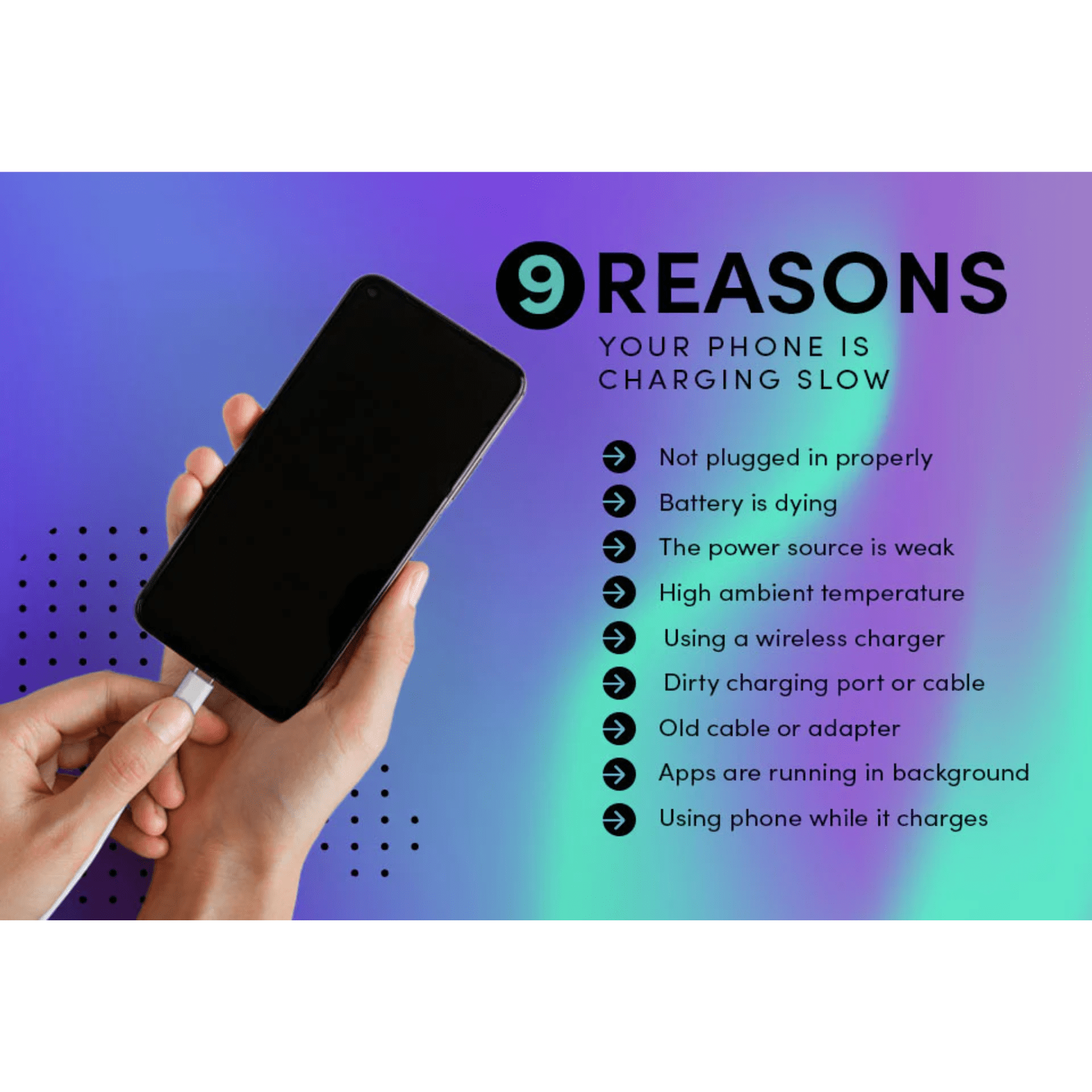
Is your phone charging slow even when you plug it in for hours? This problem affects both Android and iPhone users and often leads to battery anxiety during work, travel, or emergencies. Slow charging is rarely random. In most cases, it is linked to simple hardware issues, software settings, or battery health.
This guide explains why phone charging becomes slow and shows proven fixes that work in real life. The content is based on industry data, manufacturer guidance, and practical usage patterns. The goal is to help you charge faster, safely, and consistently.
Why Phone Charging Slow Is a Common Problem Today
Modern smartphones support fast charging, but many users never get full speed. According to battery research published by Battery University, charging speed depends on cable quality, power source, heat, and battery condition. Even one weak link can slow everything down.
Common signs include
- Charging takes more than three hours
- Battery percentage increases very slowly
- Phone gets warm while charging
- Charging speed drops after recent updates
Understanding the causes helps you fix the issue without replacing the phone.
Common Causes of Slow Phone Charging
1. Faulty or Low Quality Charging Cable
Cheap or damaged cables limit power flow. Even if the phone shows charging, speed drops sharply.
Key facts
- Thin cables carry less current
- Broken internal wires reduce charging speed
- Non certified cables may block fast charging
Apple and Android brands recommend certified cables only.
2. Weak Power Adapter or USB Port
Charging from laptops, cars, or old adapters often delivers low wattage.
Power output comparison
| Power Source | Average Output |
| Laptop USB port | 5W |
| Old wall charger | 5 to 10W |
| Fast charger | 18 to 65W |
A slow power source is one of the top reasons phone charging slow complaints rise.
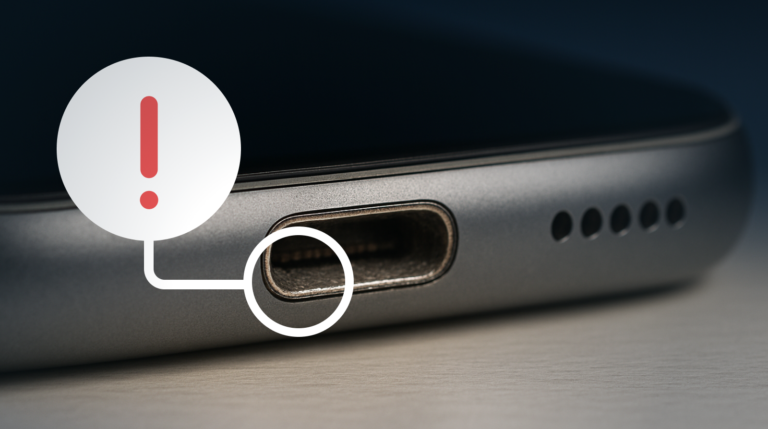
3. Dirty Charging Port
Dust and lint collect inside charging ports over time. This blocks proper contact between cable and phone.
Warning signs
- Cable feels loose
- Charging starts and stops
- Phone only charges at an angle
This issue is common for users who keep phones in their pockets.
4. Using the Phone While Charging
Running apps, gaming, or video calls consume power while charging.
Effects include
- Battery drains and charges at the same time
- Heat generation slows charging speed
- Charging time doubles in some cases
Manufacturers advise minimal usage during charging.
5. Battery Health Degradation
Lithium ion batteries lose capacity with age. After 500 to 800 cycles, charging slows naturally.
According to Apple battery documentation, iPhone batteries below 80 percent health may charge slower to protect battery life.
6. Software Issues and Background Apps
System updates, bugs, or heavy background apps can reduce charging speed.
Examples
- Location services running constantly
- Cloud backup during charging
- Corrupt system cache
This often affects Android users more than iPhone users.
Proven Fixes for Phone Charging Slow Issues
Use Original or Certified Chargers
Always use
- Original charger from the phone brand
- Certified cables such as USB IF or MFi
- High watt fast chargers supported by your phone
This alone fixes charging speed for many users.
Clean the Charging Port Safely
Steps
- Power off the phone
- Use a wooden toothpick or soft brush
- Remove lint gently
- Avoid metal pins or liquids
If the port is damaged, visit an authorized service center.
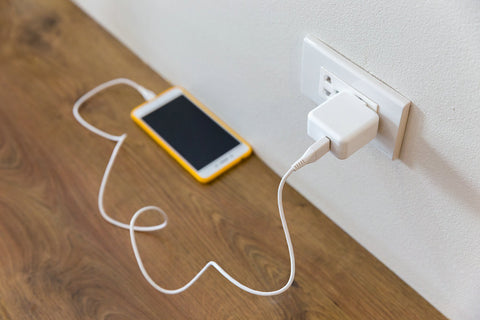
Switch to a Wall Outlet
Avoid charging from
- Laptops
- Power banks with low output
- Car USB ports
A direct wall socket with a fast charger gives the best results.
Enable Airplane Mode While Charging
Airplane mode reduces background activity.
Benefits
- Faster charging
- Less heat
- Stable power flow
This method can improve charging speed by up to 20 percent in some cases.
Close Background Apps
Check battery usage settings and close apps that drain power.
High drain apps usually include
- Video streaming apps
- Navigation apps
- Social media apps
Restart the phone after closing them.
Update Software Regularly
Manufacturers release updates to improve battery and charging performance.
Always
- Install stable updates
- Avoid beta versions if charging issues appear
This is especially important for Android devices.
Check Battery Health
For iPhone users
- Go to Settings
- Battery
- Battery Health
For Android users
- Use brand tools or trusted battery apps
If health is low, battery replacement is the best long term fix.
Android vs iPhone Charging Speed Comparison
| Factor | Android | iPhone |
| Fast charging support | Up to 120W | Up to 27W |
| Cable dependency | High | Very high |
| Battery health control | Limited | Strong |
| Charging optimization | Brand dependent | System controlled |
Both platforms face slow charging when accessories or battery health are poor.
How Heat Affects Phone Charging Speed
Heat is a silent charging killer. When phones heat up, systems slow charging to protect the battery.
Causes of heat
- Charging under pillows
- Using phone while charging
- Hot room temperature
Always charge in a cool and open area.
FAQ: People Also Ask
The cable, port condition, or battery health may limit speed even if the charger is fast.
Yes. Wireless charging is slower than wired charging due to energy loss.
Yes. Bugs or background services after updates can reduce charging speed temporarily.
Most modern phones should reach 80 percent in 30 to 60 minutes with fast charging.
Not always, but consistent slow charging over months often indicates battery wear.
Final Thoughts
A phone charging slow problem is usually easy to fix once you know the cause. In most cases, a better cable, a stronger charger, or simple cleaning restores normal speed. For older phones, battery replacement offers the best result.
By following these proven steps, you can extend battery life and reduce daily charging stress. This practical guide is published to help users make informed decisions, as part of the technology coverage at GK News Magazine.