

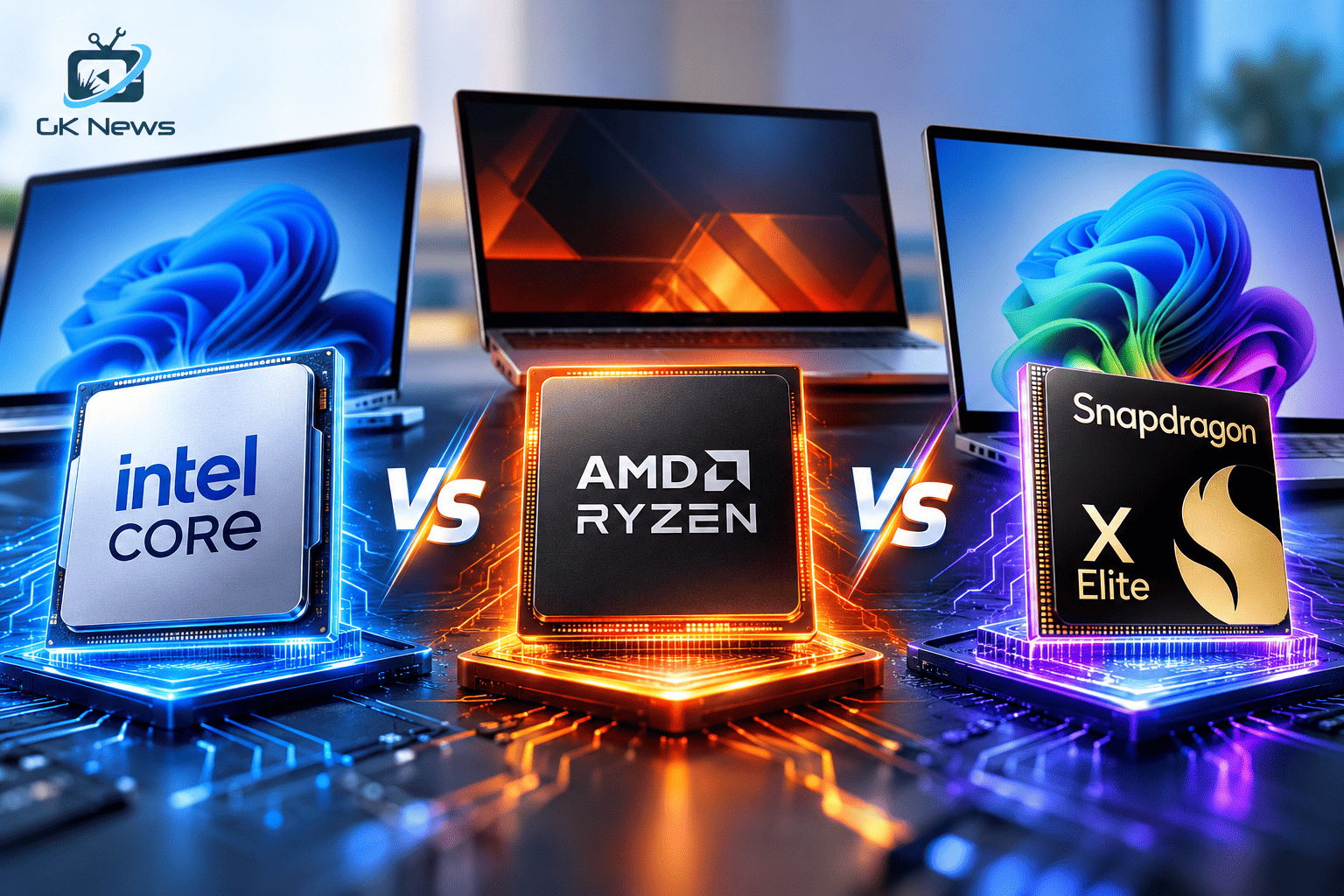
Choosing between Intel vs AMD and Qualcomm Snapdragon X Elite can feel confusing because each platform targets a different type of laptop user. Intel offers broad Windows compatibility, AMD gives buyers strong options for performance and graphics, while Snapdragon X Elite focuses on efficient performance and on device AI. The best choice depends on your budget, workload, software needs and the exact laptop design.
Quick comparison: Intel vs AMD vs Snapdragon X Elite
| Factor | Intel | AMD | Snapdragon X Elite |
|---|---|---|---|
| Best fit | Broad compatibility and balanced laptops | Multicore work, gaming and value options | Portable productivity and battery focused laptops |
| Performance | Depends on Core or Core Ultra model and power limits | Depends on Ryzen model, core count and cooling | Strong performance in supported native apps |
| Graphics | Integrated or dedicated graphics, depending on laptop | Radeon integrated graphics or dedicated graphics | Integrated Adreno graphics |
| AI hardware | Available on selected Core Ultra models | Available on selected Ryzen AI models | Hexagon NPU with up to 45 TOPS |
| Compatibility | Broad Windows software and peripheral support | Broad Windows software and peripheral support | Windows on Arm compatibility; check specialist apps and drivers |
| Battery life | Varies by chip and laptop | Varies by chip and laptop | Designed for efficient mobile computing; actual results vary |
Do not choose a laptop by processor brand alone. Compare the exact processor model, memory, cooling system, battery capacity, display and warranty. Two laptops with the same processor can deliver different results.
Intel processors: a dependable choice for many Windows users
Intel powers a wide range of laptops, from affordable student devices to premium business systems and gaming machines. Its Core and Core Ultra families include different designs for performance, efficiency and AI workloads. Selected Core Ultra processors include an NPU, but features and performance vary by generation and model.
Why choose Intel?
- Broad support across Windows applications, accessories and business software.
- Many laptop designs and price points offer Intel processors.
- Good options for office work, development, study and gaming when paired with suitable graphics.
What to consider
- Some models use more power under sustained heavy workloads.
- Integrated graphics performance differs significantly between models.
- Do not assume every Intel processor includes the same AI hardware or features.
Choose Intel when you need predictable compatibility with specialist Windows software, corporate tools or older peripherals. Check the full processor model before you buy.
AMD Ryzen processors: strong options for performance and value
AMD offers Ryzen processors for thin laptops, gaming systems, workstations and AI PCs. Some Ryzen models provide high core counts and powerful Radeon integrated graphics. Selected Ryzen AI processors also include an NPU for supported AI tasks. Specifications vary widely across Ryzen generations and product families.
Why choose AMD?
- Many Ryzen models deliver strong multicore performance for compiling, editing and multitasking.
- Some Radeon integrated graphics solutions handle casual gaming without a separate graphics card.
- AMD offers options across several laptop budgets and performance categories.
What to consider
- Performance and battery life depend on the exact Ryzen model and laptop cooling.
- Entry level and premium Ryzen chips do not offer the same graphics or AI capabilities.
- Check memory configuration because integrated graphics can benefit from fast dual channel memory.
Choose AMD if your workload uses multiple cores, you want capable integrated graphics or you find a well configured Ryzen laptop at a competitive price.
Snapdragon X Elite: built for efficient Windows on Arm laptops
Qualcomm designed Snapdragon X Elite for premium Windows laptops. It combines custom Oryon CPU cores, Adreno graphics and a Hexagon NPU. Qualcomm lists up to 45 TOPS of NPU performance for the platform. The exact CPU speed and other specifications depend on the specific X Elite version.
Why choose Snapdragon X Elite?
- It targets responsive everyday computing with strong power efficiency.
- Its NPU supports compatible on device AI experiences.
- It can suit frequent travellers who value a light laptop and long unplugged use.
What to consider
- Windows on Arm may not support every older application, plugin or device driver in the same way as a traditional x86 laptop.
- Some applications run natively, while others rely on emulation. Performance and feature support can differ.
- Gaming support varies by title, anti cheat system and graphics requirements.
Before buying, check that your essential applications, printer, scanner, VPN, development tools and accessories work on the specific Snapdragon laptop. Snapdragon X Elite is not automatically the best option for every Windows user.
Which processor is best for your needs?
For students and everyday users
Intel and AMD both offer suitable laptops for browsing, online classes, documents and video calls. Prioritise at least 16GB of RAM if your budget allows, a solid state drive and a good display. Snapdragon X Elite can also suit students who use compatible apps and want a portable device.
For developers and creators
Intel and AMD are safer starting points when you use multiple development environments, virtual machines, specialist plugins or creative applications. Check each tool’s operating system and processor support. A Snapdragon laptop may work well for web development and supported native tools, but verify your complete workflow first. See our laptop choices for developers guide for more buying considerations.
For gaming
Compare the graphics processor first. A laptop with a dedicated NVIDIA or AMD graphics card usually makes more sense for demanding modern games than relying only on integrated graphics. Intel and AMD laptops offer many dedicated GPU configurations. Snapdragon gaming support depends on the game and compatibility layer, so check the titles you play.
For travel and battery life
Snapdragon X Elite deserves a place on your shortlist if you want a thin laptop and your applications support Windows on Arm. However, battery life depends on screen brightness, battery size, workload, wireless use and manufacturer tuning. Compare independent tests of the exact laptop rather than relying only on processor claims.
Buying advice for laptop shoppers in India
Set your total budget before comparing processor names. Laptop prices change with sales, memory, storage, screen quality and warranty. Use these checks before placing an order:
- Price: Compare the complete laptop configuration and warranty, not only the processor label.
- Memory: Aim for 16GB RAM for a new general purpose or professional laptop when your budget permits. Check whether the memory is upgradeable.
- Storage: A 512GB SSD is a practical starting point for many users. Choose more capacity if you store large projects, videos or games.
- Power and cooling: Check reviews for sustained performance, fan noise and heat. A processor’s power rating does not predict the whole laptop’s behaviour.
- Build and display: Inspect keyboard quality, hinge strength, screen brightness, colour quality and weight.
- Compatibility: Confirm Windows version, application support, drivers and accessories, especially for Snapdragon X Elite.
- Service: Check the brand’s service coverage, warranty terms and repair options in your city.
If you are shopping on a tighter budget, compare complete configurations in our laptop buying guide under ₹50,000.
Pros and cons at a glance
| Platform | Pros | Cons |
|---|---|---|
| Intel | Wide compatibility, broad laptop choice, options for many workloads | Power use, heat and graphics vary by model |
| AMD | Strong multicore options, capable Radeon graphics on selected models, broad price range | Large differences between Ryzen families and generations |
| Snapdragon X Elite | Efficient design, capable NPU, attractive portable laptop options | Some apps, games and drivers may have limited Arm support |
Frequently asked questions
Is Intel better than AMD for laptops?
Neither brand wins every comparison. Intel may suit users who prioritise broad compatibility, while AMD offers strong options for multicore workloads and integrated graphics. Compare exact laptop models and independent tests.
Is Snapdragon X Elite faster than Intel Core Ultra?
It depends on the processor models and workload. Results change between single core tasks, multicore work, graphics, AI processing and battery tests. Compare reviews of the exact laptops you plan to buy.
Can Snapdragon X Elite run Windows applications?
It runs Windows on Arm. Many popular applications offer native Arm versions, and Windows can emulate some x86 and x64 applications. However, compatibility is not universal. Check your important software and hardware before purchase.
Which processor is best for gaming?
For demanding PC games, choose a laptop with a suitable dedicated graphics card. Intel and AMD systems offer many such configurations. Check game compatibility carefully on Snapdragon laptops.
Does Snapdragon X Elite offer better battery life?
It targets efficient mobile computing, but no processor guarantees a specific battery result. Screen, battery size, cooling, software and workload all affect real world battery life. Read tests for the exact laptop.
How much RAM should I buy with these processors?
For most new laptops, 16GB RAM offers a sensible starting point. Choose 32GB or more for demanding development, editing, virtual machines or large workloads. Check whether the laptop allows memory upgrades.
Final verdict
Intel vs AMD vs Snapdragon X Elite is not a contest with one winner for everyone. Choose Intel for broad software compatibility and a wide laptop selection. Choose AMD for strong performance options and capable graphics on selected models. Choose Snapdragon X Elite when portability, efficiency and supported on device AI features matter, and your applications work well on Windows on Arm.
Compare the exact laptop, not just the processor family. Review independent performance and battery tests, confirm application support and check the warranty before you buy. GK News Magazine recommends matching the device to your real workload and budget.
Check latest price on Amazon: Intel laptops | AMD Ryzen laptops | Snapdragon X Elite laptops
Official specifications: Qualcomm Snapdragon X Elite | AMD Ryzen laptop processors | Microsoft guide to NPU devices